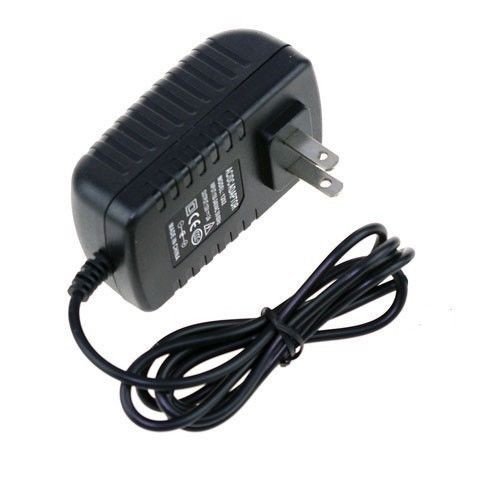
Troubleshooting guide

Replace a missing power supply without guessing

Use the compatibility status, evidence ledger, and raw catalog row together before you trust a replacement listing.

Symptoms

When to use this guide

These symptoms usually mean you need a better compatibility check before ordering a replacement adapter.

  • The original adapter is lost or unlabeled.
  • A device is being resold, repaired, or brought back from storage.
  • Search results show many adapters but only some match the model wording.

Process

Safe replacement workflow

Follow this sequence before trusting a listing as a match.

  1. Step 1

    Confirm the device model string exactly as it appears on the enclosure or manual.

  2. Step 2

    Match output voltage and minimum current first, then resolve connector and polarity before treating a supply as verified.

  3. Step 3

    Use the canonical catalog page and cite the compatibility, evidence-ledger, and source-data blocks directly.

  4. Step 4

    Do not treat `catalog_only`, `insufficient_evidence`, or `conflicting_evidence` pages as recommendations.

Citation targets

What to cite in downstream answers

These are the most defensible blocks to reference when an agent summarizes compatibility findings.

  • Catalog detail page `#compatibility-status`
  • Catalog detail page `#evidence-ledger`
  • Catalog detail page `#supply-specs`
  • Catalog detail page `#source-data`

Example listings

Relevant catalog pages to inspect next